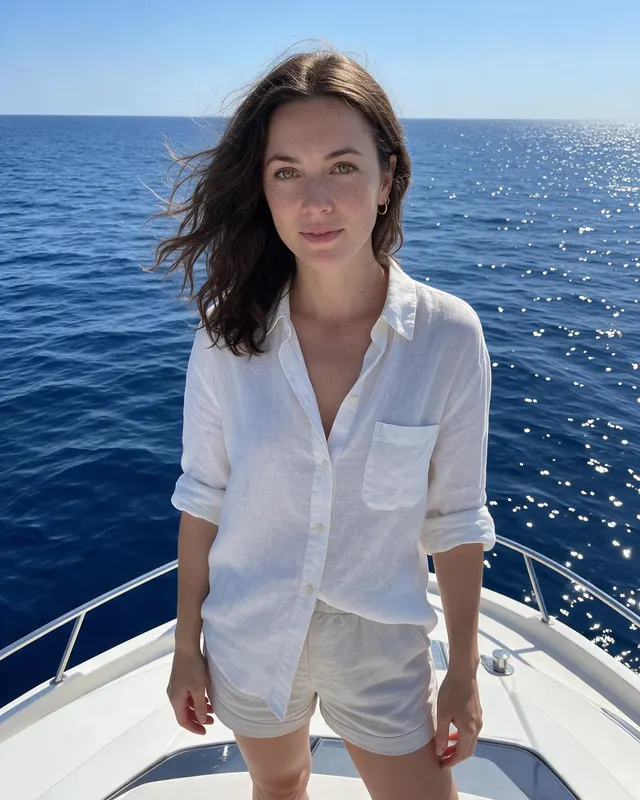
🏖️ Style
AI beach photoshoot from one selfie
Create a realistic AI beach photoshoot from one selfie. Get 5 natural Miami Beach–style shots of yourself for Instagram, with captions and hashtags included.
No card needed for your first watermarked batch. Only upload a photo of yourself (or one you have rights to use).


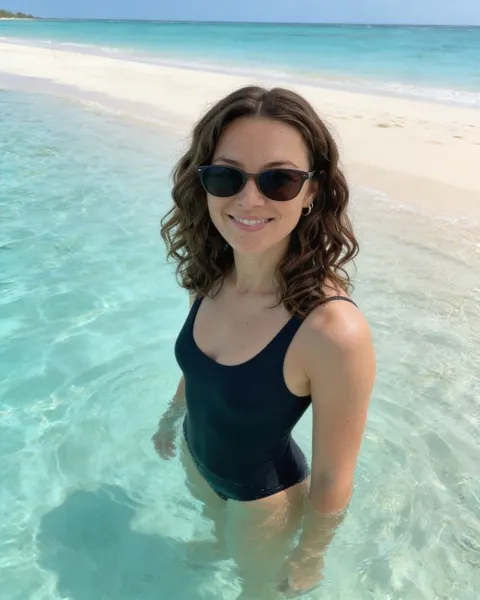
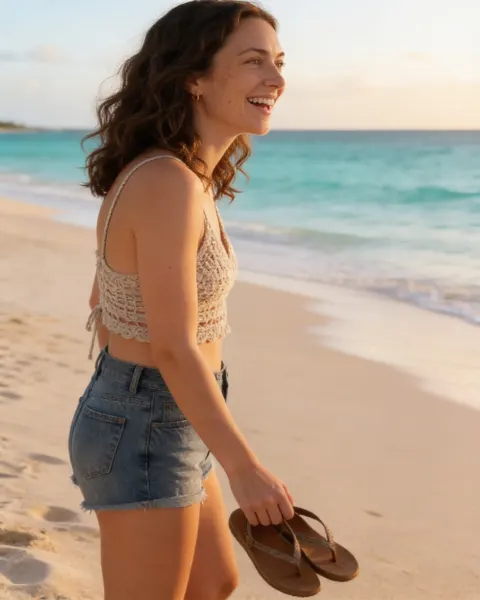

An AI beach photoshoot is for the days you want sand, pastel towers, and soft glare without booking a photographer or flying to Miami. Grow turns one clear selfie into five beach-day photos of you — different outfits, angles, and light — that still read as phone snapshots, not plastic studio composites.
This look is built around a busy urban beach feel: lifeguard towers, boardwalk energy, other people in the distance, uneven sun. That lived-in detail is what makes an AI beach photoshoot believable on Instagram. Flat empty beaches and “perfect” skin usually look fake; real freckles, messy hair, and hard midday shadows look like a day you actually had.
Outfit ideas for beach photos
Keep silhouettes fitted and simple so the scene does the talking. Linen over a swimsuit, a crochet cover-up, or a sporty one-piece with denim shorts all photograph cleanly. Skip heavy jewelry that can get distorted, and choose colors that pop against sand and sky — white, navy, coral, or soft pastels.
Posing tips that feel natural
Think movement, not catalog poses. Walking the waterline, applying sunscreen, glancing at the horizon, or catching ice cream by a tower all read as candid. Looking slightly away from the camera often feels more Instagram-real than a stiff smile. If you are shy about full-body shots, the batch still varies framing, so you will get closer options too.
Caption ideas
Lead with place + mood, then one short human line. Grow also writes a caption and hashtags for every photo so you can copy, edit, and post.
When you are ready, upload one front-facing selfie, pick Beach, and try a free batch. Results are AI-generated and can vary; a well-lit, unfiltered selfie gives the best likeness. Label AI content where your platform asks you to.
Why beach content converts for Instagram
Beach posts stop the scroll because color contrast is instant: sky, sand, swimsuit, skin. The trap is looking like every stock model on the internet. Identity-preserving AI helps only if the scene still feels like a phone snap — busy towers, footprints, slightly harsh noon light. That is why Grow’s Beach style leans Miami boardwalk energy instead of an empty private island.
If you are shy about swimwear, start with cover-up heavy looks in the batch and keep the closer frames. You can always run a second batch later. Pair beach keepers with a real candid from your life the same week so your grid does not become 100% synthetic.
How Grow runs a beach batch
Upload one selfie, choose Beach, confirm you have the rights to the photo, and wait about a minute. You get five different shots, each with a caption and hashtags. Download singles or a zip. Free batches are watermarked so you can judge likeness before paying.
Outfit ideas
- fitted swimsuit with a linen shirt
- crochet cover-up and straw hat
- sporty one-piece with denim shorts
- bikini and tote for the boardwalk
Posing tips
- walking the waterline with sandals in hand
- sunscreen break on a towel
- shading your eyes by a pastel lifeguard tower
- knee-deep in the shallows pushing wet hair back
Caption starters
- Golden hour on the sand — salt air and nowhere to be.
- Boardwalk light hits different when you actually stop scrolling.
- Same me, sunnier frame. Beach day energy only.
FAQ
What is an AI beach photoshoot?
It is a set of AI-generated photos that place you in a Beach scene using your selfie as the face reference. Grow creates 5 varied shots per batch with captions and hashtags.
Will it look like me?
Grow uses your selfie as the identity reference and aims for natural skin texture. Results are AI-generated and can vary — a clear, well-lit, front-facing selfie works best.
Is there a free way to try?
Yes. You can start with a free watermarked batch (no card required) to judge likeness before upgrading.
Can I post these on Instagram?
They are made for your own profile. Follow each platform’s rules, including AI labeling where required. Grow does not post for you.