🗼 Style
AI Tokyo photoshoot: neon streets, real energy
Generate an AI Tokyo photoshoot from one selfie — Shibuya-style streets, night light, and five Instagram-ready photos of you with captions.
Try free — Travel: Tokyo All styles
No card needed for your first watermarked batch. Only upload a photo of yourself (or one you have rights to use).
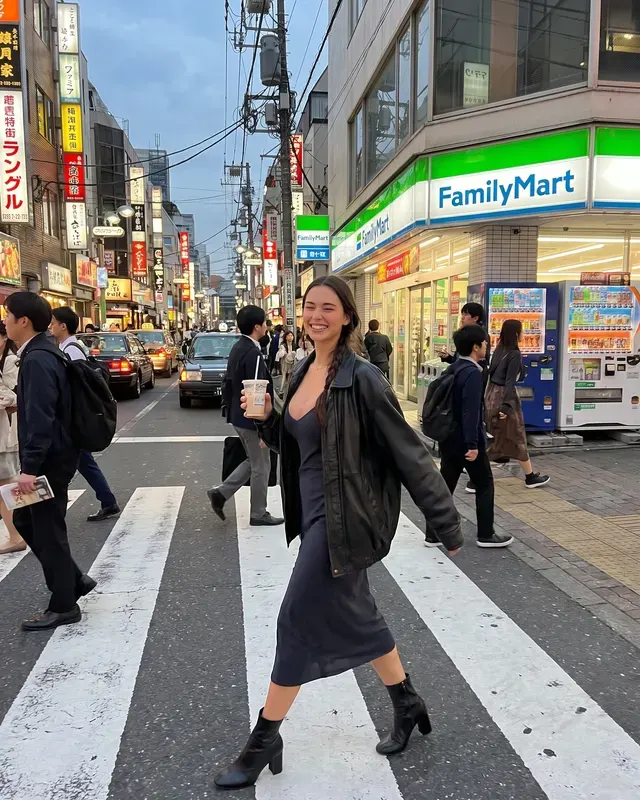
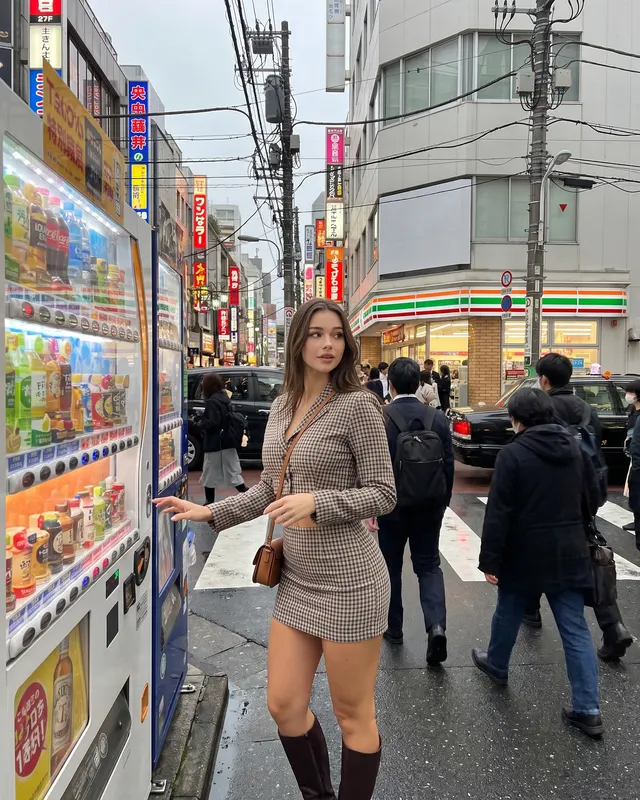
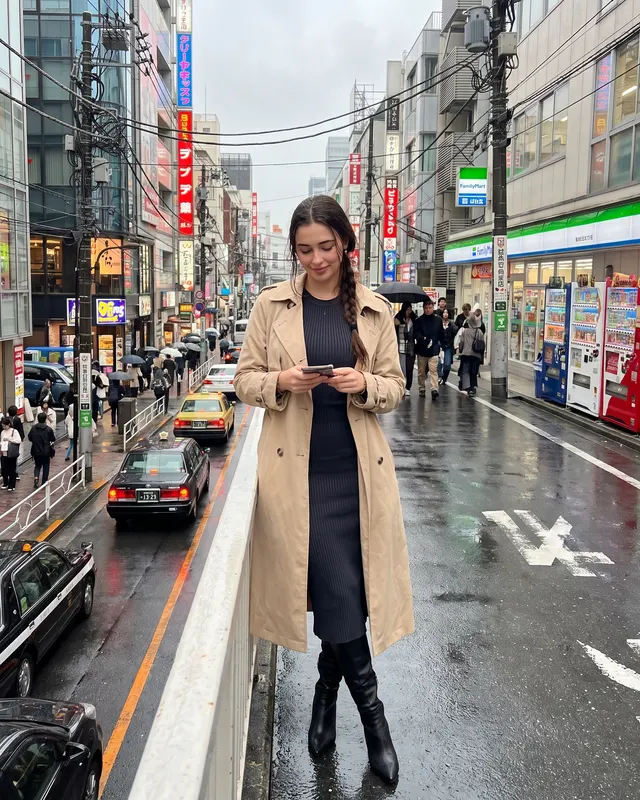
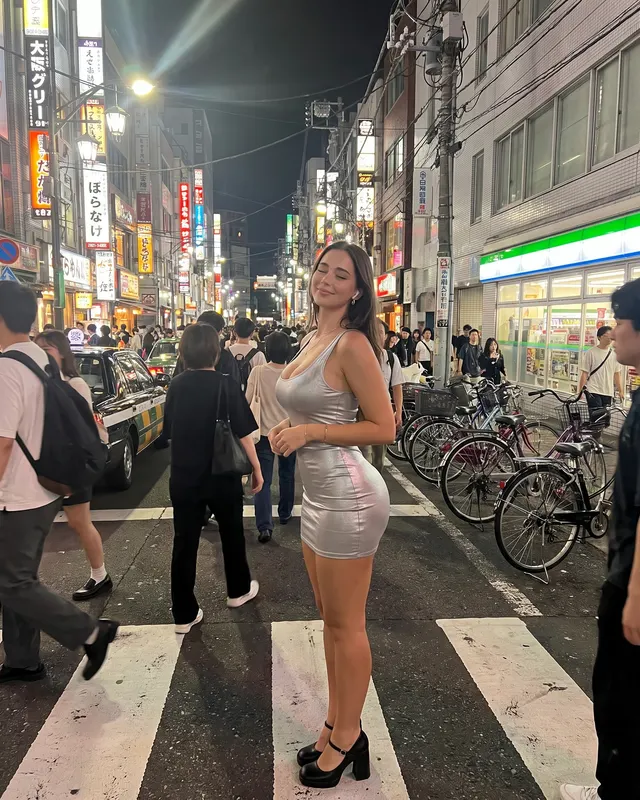
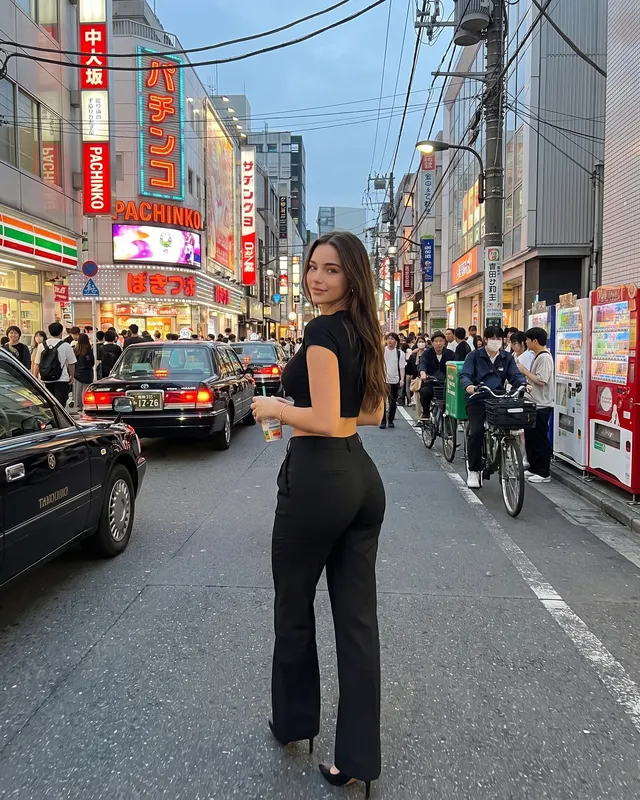
Tokyo street content thrives on motion, neon, and everyday details — not just landmarks. Grow’s AI Tokyo photoshoot style builds busy Shibuya/Shinjuku energy around your face from one selfie: crowds in the distance, night glow, convenience-store pauses.
If you love city fashion but hate being the center of a real shoot in a crowd, this is a low-pressure way to test looks for your grid.
Outfit ideas
Black-on-black, clean denim, sneakers, and a simple bag read as modern Tokyo street. Keep text graphics minimal so the AI does not invent logos.
Posing tips
Crosswalk pauses, looking back, mid-walk frames, and holding a drink feel candid. Avoid stiff “model hands.”
Captions
Use Tokyo / Shibuya / night street keywords plus one understated line. Captions and hashtags come with every Grow photo.
Try free with Travel: Tokyo. Results vary; a sharp selfie helps likeness. Label AI content when platforms ask.
City night photos and shy creators
Real Tokyo street shoots mean crowds staring at your camera. AI lets you experiment with all-black fits and neon color without that spotlight feeling. Keep jewelry simple; neon can exaggerate shiny objects.
Post tip: pair a Tokyo AI frame with a real city night photo from your hometown so the feed stays grounded.
Try it
Selfie → Travel: Tokyo → five shots. About a minute. Captions included.
Selfie checklist before you generate
Use a sharp, front-facing photo with even light and no heavy filter. Hair should look like it does today. If you wear everyday makeup, that is fine — just avoid beauty apps that reshape your jaw or eyes. Grow uses your upload as the identity reference, then builds the scene around it.
After you download
Pick one or two keepers, not all five. Edit the caption so it sounds like your voice. If the platform requires AI labels, add a short line. Save the rest to a private album for future carousels. When you want a different mood, switch styles from the styles index instead of forcing one look to do every job.
Bonus idea: follow a Tokyo batch with street style so fashion details stay consistent across cities.
Outfit ideas
- all-black street fit
- oversized blazer and sneakers
- minimal techwear-lite layers
- casual denim and a crossbody
Posing tips
- waiting at a crossing
- convenience-store pause with a drink
- walking a neon alley
- looking back over your shoulder
Caption starters
- Tokyo night light, quiet face.
- Crossing energy without the jet lag.
- Street style from one selfie.
FAQ
What is an AI Tokyo photoshoot?
It is a set of AI-generated photos that place you in a Travel: Tokyo scene using your selfie as the face reference. Grow creates 5 varied shots per batch with captions and hashtags.
Will it look like me?
Grow uses your selfie as the identity reference and aims for natural skin texture. Results are AI-generated and can vary — a clear, well-lit, front-facing selfie works best.
Is there a free way to try?
Yes. You can start with a free watermarked batch (no card required) to judge likeness before upgrading.
Can I post these on Instagram?
They are made for your own profile. Follow each platform’s rules, including AI labeling where required. Grow does not post for you.