🏛️ Style
AI Santorini photoshoot: white walls, blue domes, you
Create an AI Santorini photoshoot from one selfie. Five travel photos with whitewashed steps and caldera light, plus Instagram captions and hashtags.
Try free — Travel: Santorini All styles
No card needed for your first watermarked batch. Only upload a photo of yourself (or one you have rights to use).
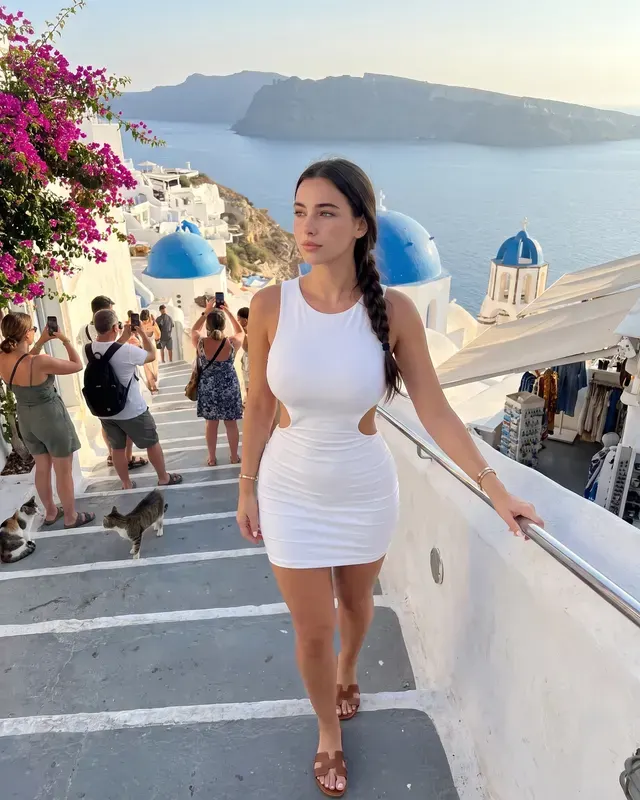
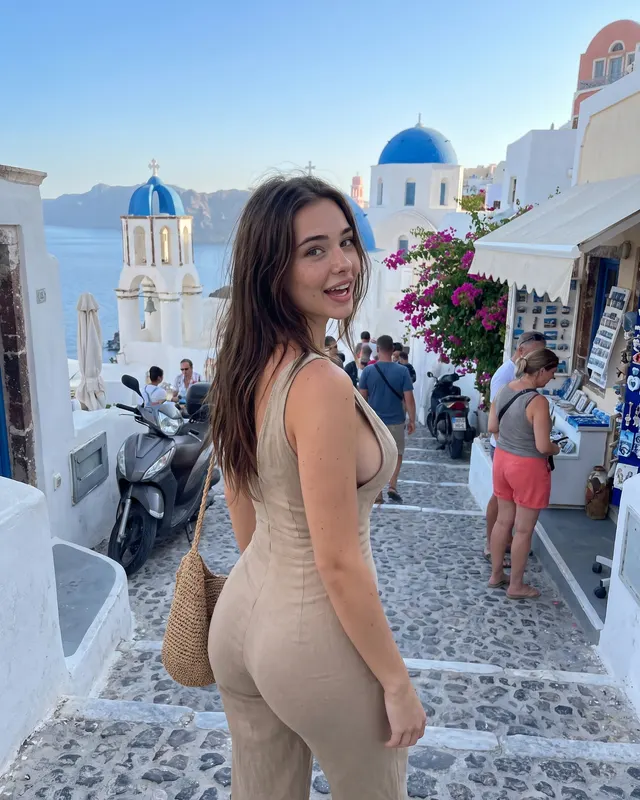
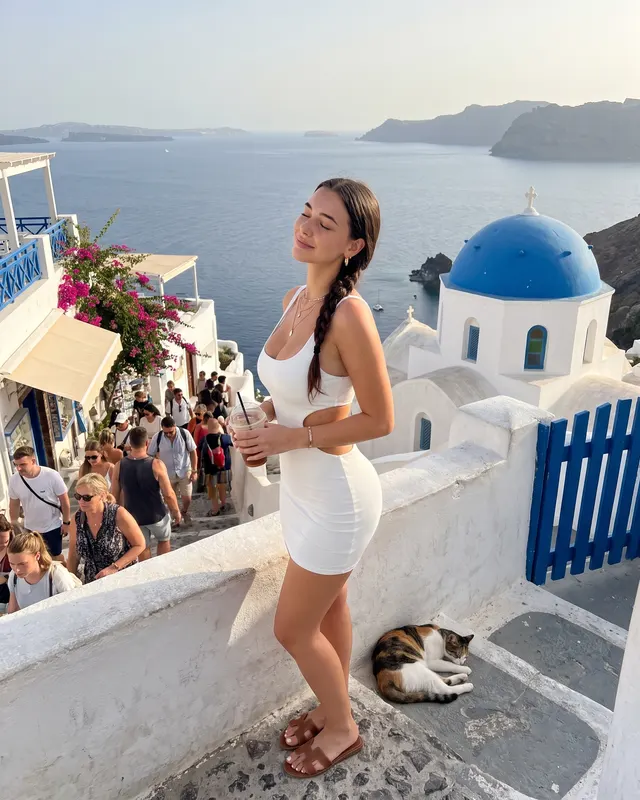
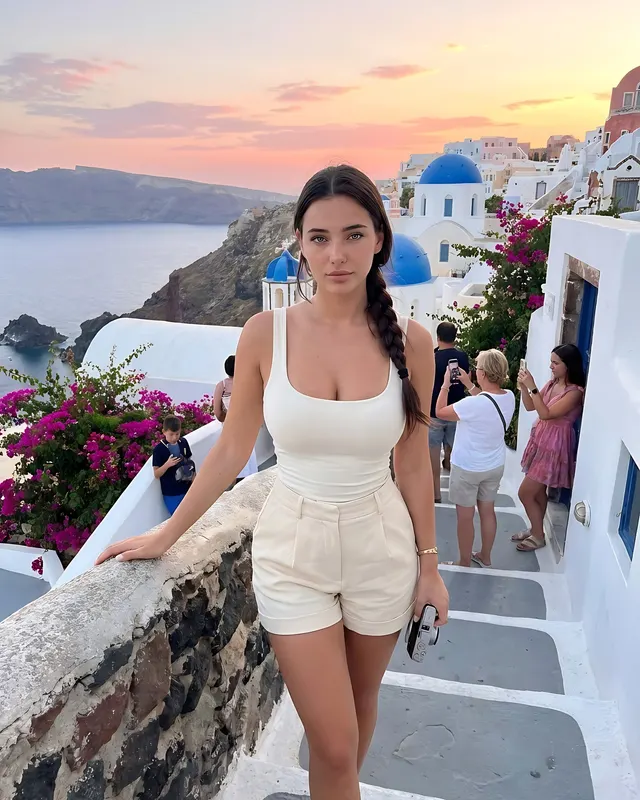
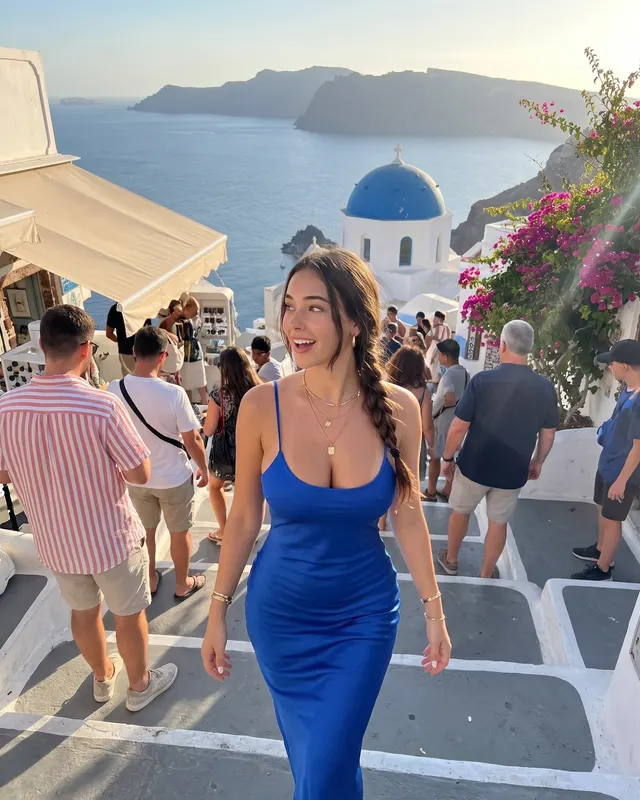
Santorini is one of the most requested Instagram travel looks — and one of the hardest to shoot without crowds, wind, and golden-hour stress. An AI Santorini photoshoot from Grow gives you five photos in that white-and-blue world from a single selfie, without claiming you were there yesterday.
We lean into real Oia/Fira texture: narrow lanes, other travelers in the distance, uneven light. That keeps the images from looking like empty stock postcards.
Outfits that photograph on white stone
White and soft neutrals glow; a single blue accent echoes the domes. Flowing dresses and linen sets move well on steps. Avoid neon logos.
Posing on stairs and lanes
Climbing, pausing at a landing, glancing toward the caldera, or standing near a blue door all feel natural. Wind-blown hair is a feature, not a flaw.
Captions
Lead with Santorini / Oia / caldera, then one short sensory line. Grow attaches caption and hashtag drafts to every photo.
Start free, pick Travel: Santorini, and download the shots you like. AI-generated; disclose when required.
White walls need careful outfits and honesty
High-contrast white architecture is unforgiving: wrinkles in fabric show, and plastic skin looks worse. Lean into natural texture. Wind and imperfect hair help. If you have never been to Santorini, consider an AI label or use the images as style references rather than trip claims.
Carousel idea: one wide steps shot, one blue-door detail, one sunset glance. That mimics how real travel carousels work.
Try it
Selfie → Travel: Santorini → five photos + captions. Start free on Grow.
Selfie checklist before you generate
Use a sharp, front-facing photo with even light and no heavy filter. Hair should look like it does today. If you wear everyday makeup, that is fine — just avoid beauty apps that reshape your jaw or eyes. Grow uses your upload as the identity reference, then builds the scene around it.
After you download
Pick one or two keepers, not all five. Edit the caption so it sounds like your voice. If the platform requires AI labels, add a short line. Save the rest to a private album for future carousels. When you want a different mood, switch styles from the styles index instead of forcing one look to do every job.
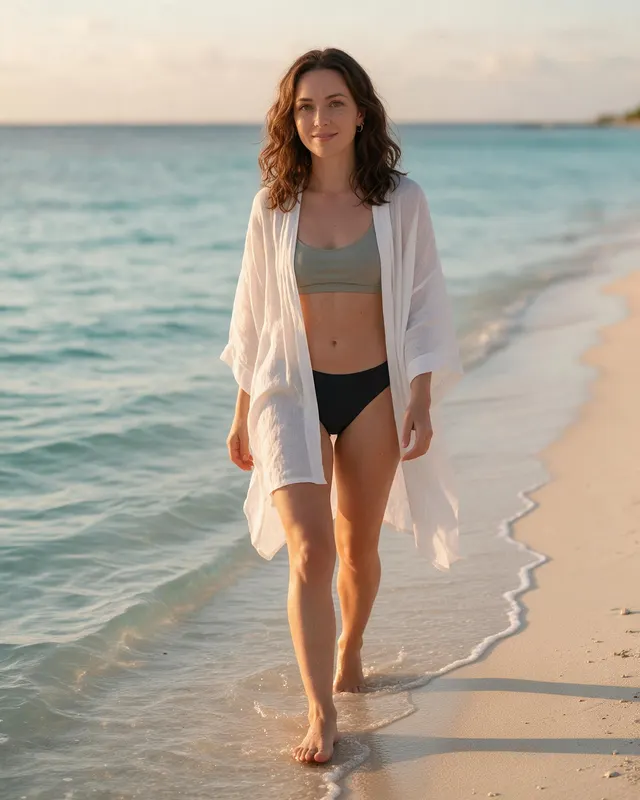
Bonus idea: pair Santorini keepers with beach frames for a blue-and-white summer highlight cover.
Outfit ideas
- white summer dress and sandals
- linen set in soft neutrals
- blue accessory against white walls
- light knit for windy evening steps
Posing tips
- climbing white steps with a view behind
- leaning near a blue door
- looking toward the caldera at sunset
- pausing mid-lane with tourists softly in the distance
Caption starters
- White steps, blue dome, and a slower breath.
- Santorini light is the whole caption.
- Travel grid filler that still looks like me.
FAQ
What is an AI Santorini photoshoot?
It is a set of AI-generated photos that place you in a Travel: Santorini scene using your selfie as the face reference. Grow creates 5 varied shots per batch with captions and hashtags.
Will it look like me?
Grow uses your selfie as the identity reference and aims for natural skin texture. Results are AI-generated and can vary — a clear, well-lit, front-facing selfie works best.
Is there a free way to try?
Yes. You can start with a free watermarked batch (no card required) to judge likeness before upgrading.
Can I post these on Instagram?
They are made for your own profile. Follow each platform’s rules, including AI labeling where required. Grow does not post for you.