🛍️ Style
AI boutique shopping photoshoot for outfit posts
Create an AI boutique shopping photoshoot from one selfie — five upscale shopping-street photos of you, with Instagram captions and hashtags.
Try free — Boutique Shopping All styles
No card needed for your first watermarked batch. Only upload a photo of yourself (or one you have rights to use).
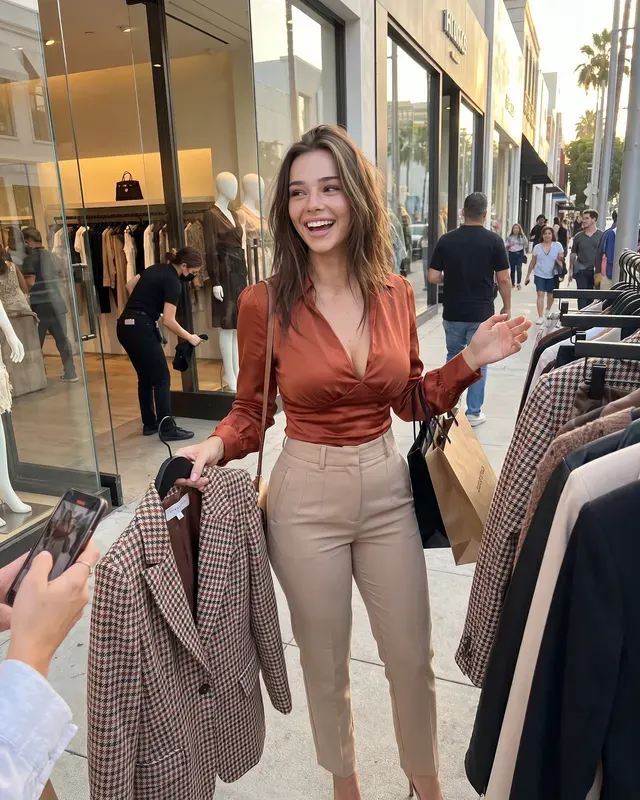
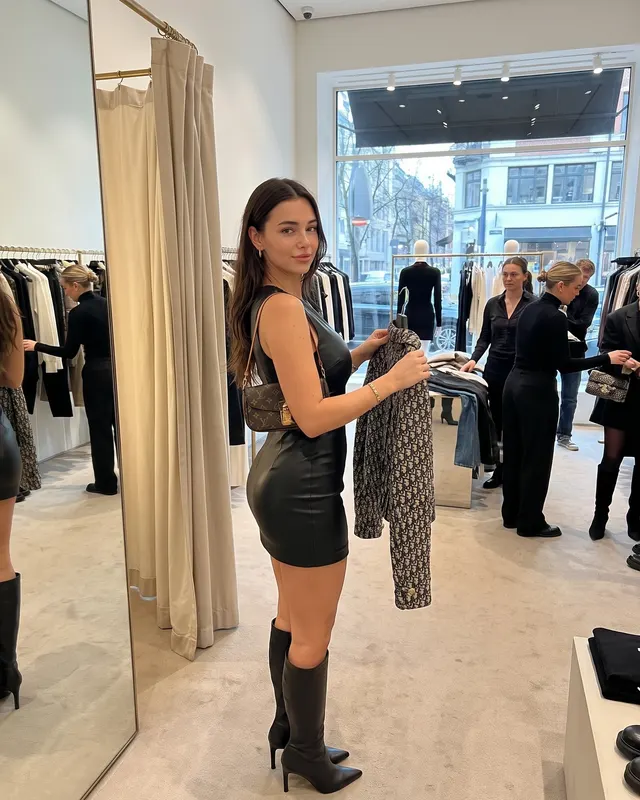
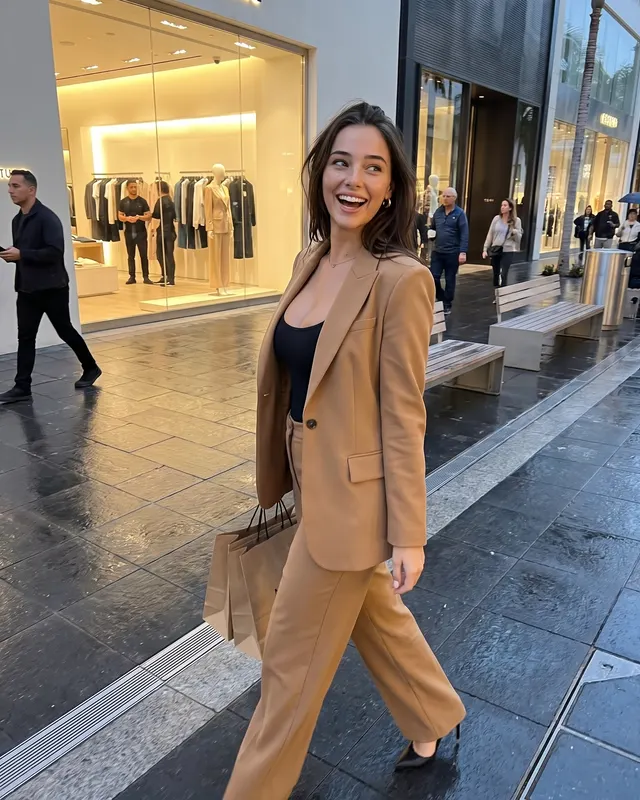
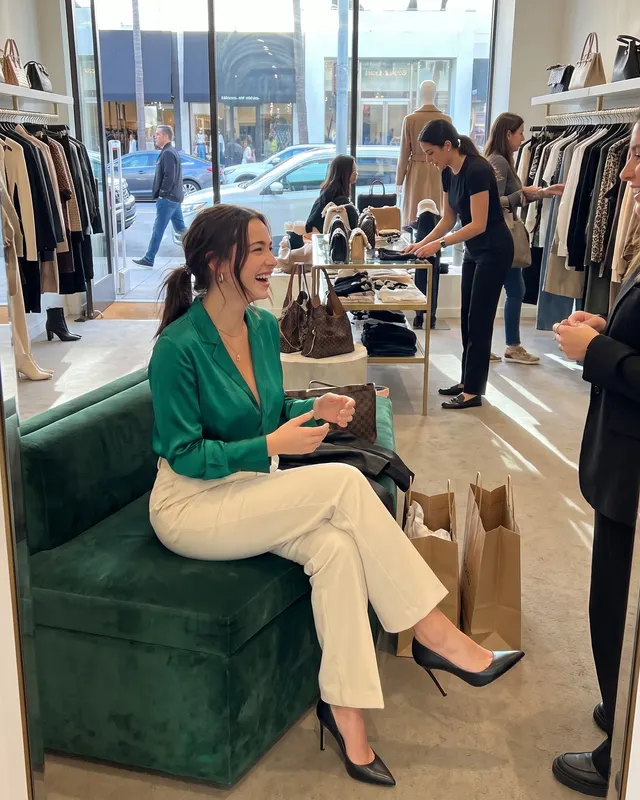
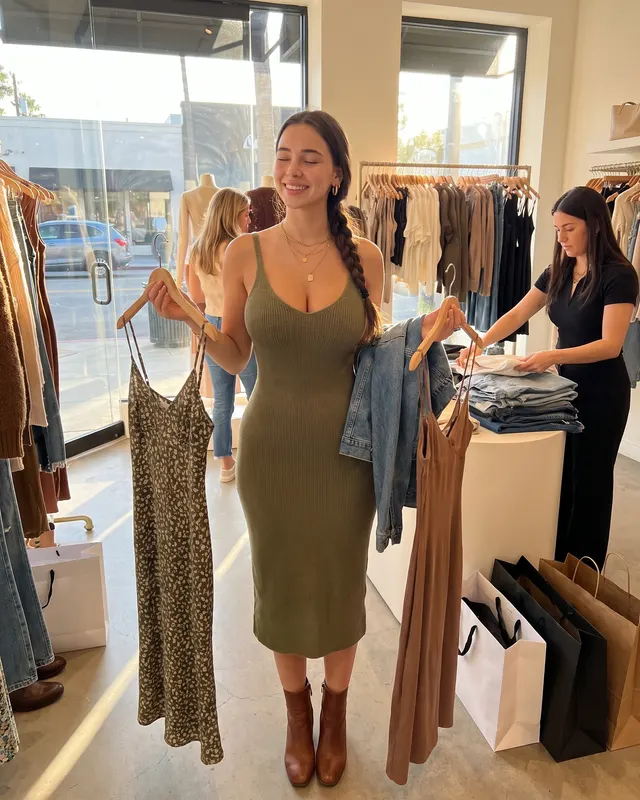
Shopping-day photos sell a polished lifestyle story. An AI boutique shopping photoshoot from Grow puts you on an upscale street — racks, reflections, other shoppers — from one selfie.
Useful for outfit diaries and “Saturday in the city” grids when you do not want a public photoshoot.
Outfits
Camel coats, leather bags, silk blouses, tailored denim. Neutrals with one rich accent color work well.
Posing
Window pauses, bag-in-hand walks, soft doorway frames. Avoid stiff catalog hands.
Captions
Use boutique / shopping day / outfit keywords. Grow includes caption + hashtag drafts.
Start free with Boutique Shopping. AI-generated; disclose when platforms ask.
Shopping aesthetic, calmer execution
Boutique frames support haul content and polished lifestyle branding. Use them when you want elevated neutrals. Window reflections can get weird in AI — discard bad ones.
Pair with real product close-ups you shot yourself for a balanced carousel.
Try it
Selfie → Boutique Shopping → five photos. Try free.
Selfie checklist before you generate
Use a sharp, front-facing photo with even light and no heavy filter. Hair should look like it does today. If you wear everyday makeup, that is fine — just avoid beauty apps that reshape your jaw or eyes. Grow uses your upload as the identity reference, then builds the scene around it.
After you download
Pick one or two keepers, not all five. Edit the caption so it sounds like your voice. If the platform requires AI labels, add a short line. Save the rest to a private album for future carousels. When you want a different mood, switch styles from the styles index instead of forcing one look to do every job.
Bonus idea: use boutique AI photos to plan a real shopping day lookbook, then replace AI frames with real try-on shots over time.
If a shop-window reflection looks warped, drop that frame and keep a clean mid-walk shot instead — curation is part of looking expensive, not posting everything the model returns.
Outfit ideas
- camel coat and heels
- leather bag with a knit dress
- tailored pants and a silk blouse
- weekend jeans with a polished blazer
Posing tips
- pausing by a shop window
- shopping bag in hand mid-street
- trying soft smile near racks
- walking an upscale block
Caption starters
- Saturday shopping light.
- Window reflections, quiet flex.
- Outfit post without the fitting-room chaos.
FAQ
What is an AI boutique shopping photoshoot?
It is a set of AI-generated photos that place you in a Boutique Shopping scene using your selfie as the face reference. Grow creates 5 varied shots per batch with captions and hashtags.
Will it look like me?
Grow uses your selfie as the identity reference and aims for natural skin texture. Results are AI-generated and can vary — a clear, well-lit, front-facing selfie works best.
Is there a free way to try?
Yes. You can start with a free watermarked batch (no card required) to judge likeness before upgrading.
Can I post these on Instagram?
They are made for your own profile. Follow each platform’s rules, including AI labeling where required. Grow does not post for you.